Bypass geo-blocked content! and stay safe & annonymus online.
If you're blocked from viewing content based on your location, consider using a VPN to unblock it. A VPN is a service that switches your online identity with another one so that you appear online as if you're from another geographical location.
Check out NordVPNCreated by BigNoid, Modded by SiLVO, and Widgets by Mr. V
Description
Completely redesigned to create a modern look, while retaining the classic Aeon feel.
News
v9.0.1 - Live TV fixes and updates - Remove transparency from widget info "shadow" - Add Greek MPAA Ratings - Hide movie set count in info when showing mediaflags for RightList - Changes to MyPVRTimers - Fix for multiimage control displaying background when not supposed to v9.0.0 - Kodi v20 Nexus support - Fix mismatched DialogMusicInfo icons - Add option to hide the system bars on the main menu - Add HDR type flags to some views - Add basic support for MyFavourites.xml - Fix status indicators not following the setting for MyFlix Landscape - Rework Settings screen - Add script.xbmcbackup to optional add-ons - Add show password button to DialogKeyboard.xml - Add option to hide budget + revenue from DialogVideoInfo - Remove references to Artwork Beef - Fix Live Background overriding SubMenu backgrounds - Add scrollbar to MyPVRRecordings - Add Opus mediaflag for audio codec - Fix InfoWall alternate layout status indicators - Add solid color backgrounds to fallback options - Fix navigation issue when in General section of Skin Settings - Add greyscale versions of colored aspect ratio icons to include missing ratios - Fix music playlist opening videoplaylists instead of musicplaylists for main and submenus using the main menu customizer - Add zorder to DialogSubtitles so pause icon/label isn't shown on top when directly calling SubtitleSearch All updates may contain various changes and/or improvements For a more complete list visit: https://github.com/mikesilvo164/Aeon-Nox-SiLVO/commits/master
How To Install
Direct installation
Via Repository
Via Directory
- First make sure you have the repository installed
- Open up Kodi and navigate into Add-ons.

- Click the open box icon (above the side-menu).
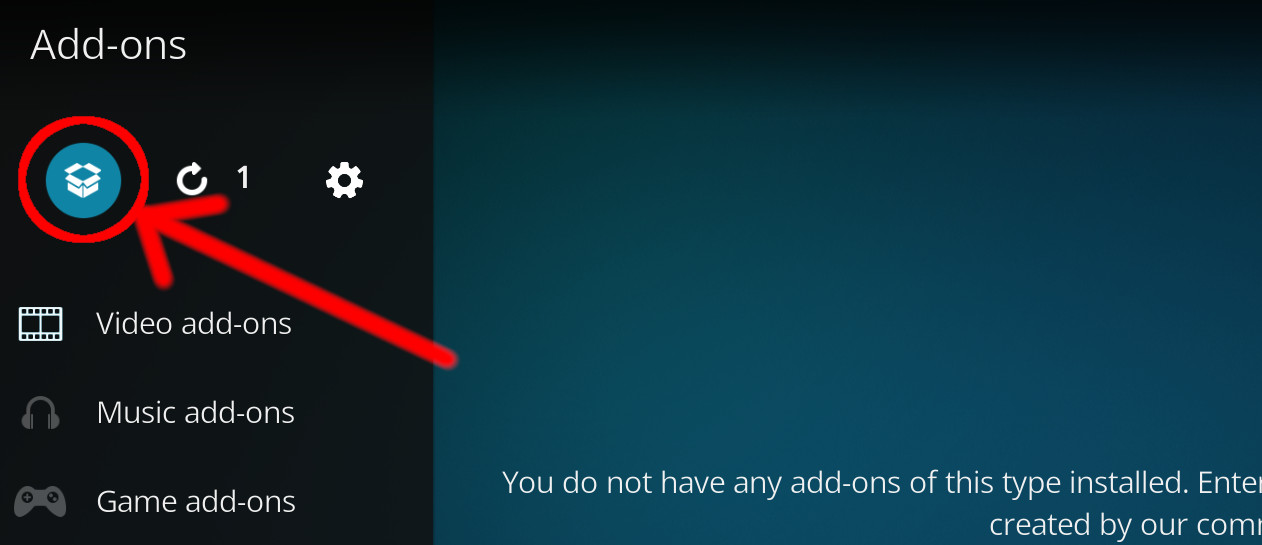
- Select Install from repository.
- If you have at least one repository (besides the default) installed:
Select the repository you wish to install from.
- If you have at least one repository (besides the default) installed:
- Select the category the addon belongs to, in this case it should be skin.
- Select Planet Diggz (Low Power).
- Click Install.
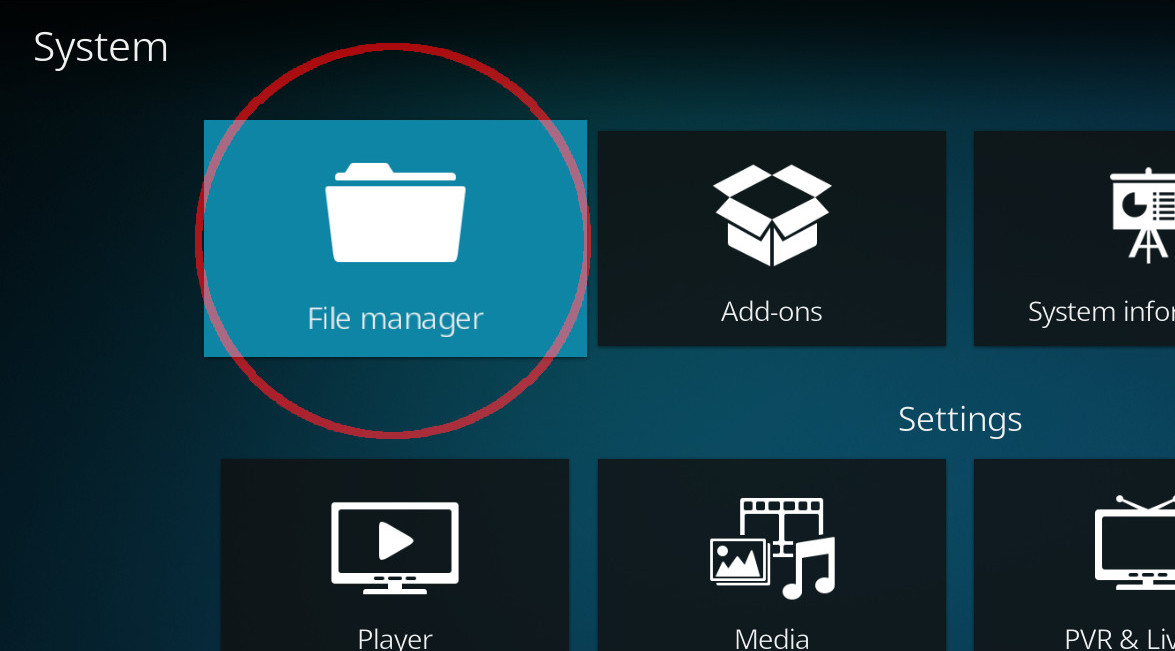
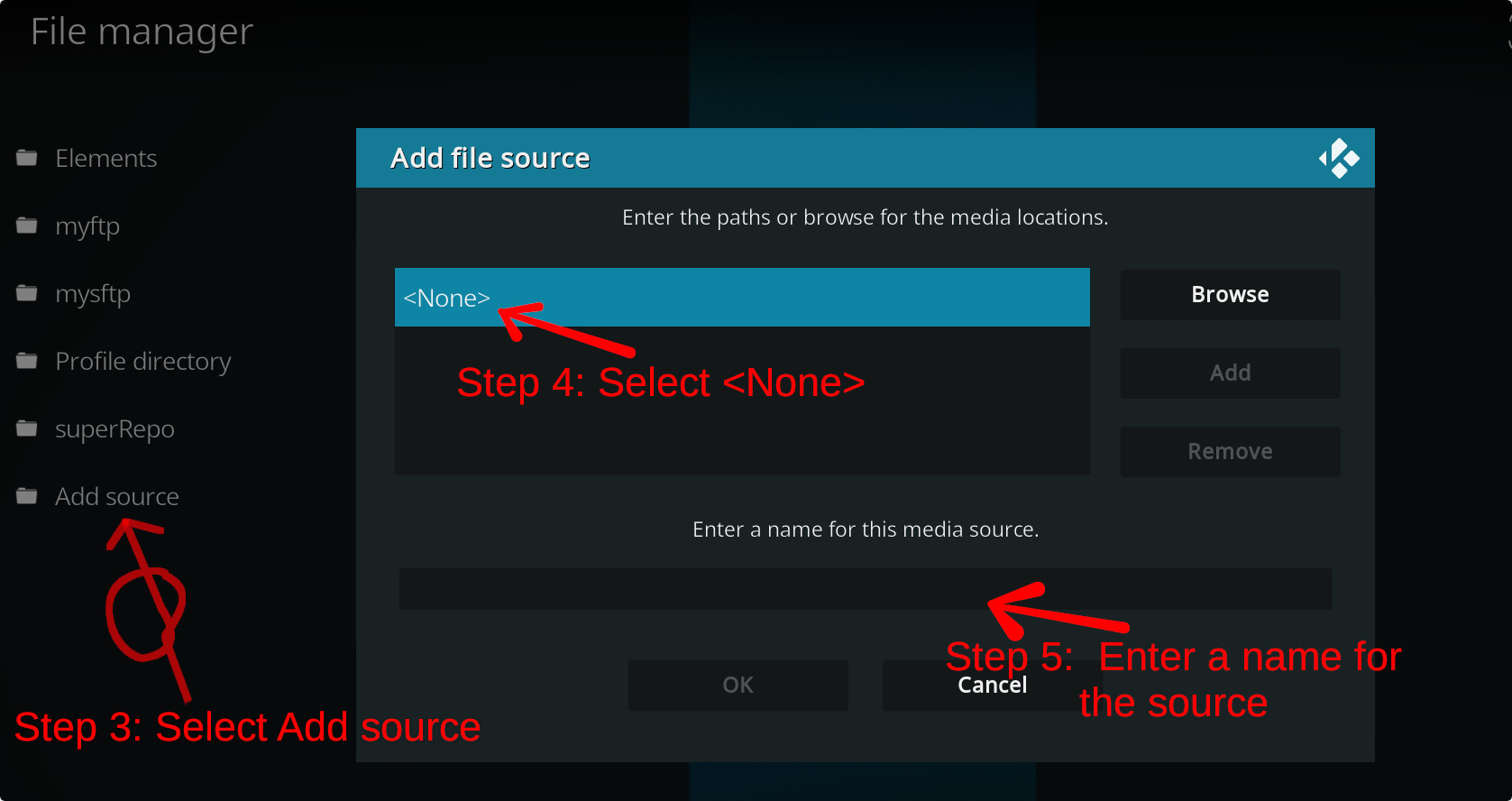
For a full installation guide please click here.
Additional Information
| Updated: | July 15, 2023 |
In Repositories: |
|
| Platform: | all |
| License: | CC BY-NC-SA 4.0 |
Depends On: |