Install Futbol By Adding Its Repository Source Inside Kodi
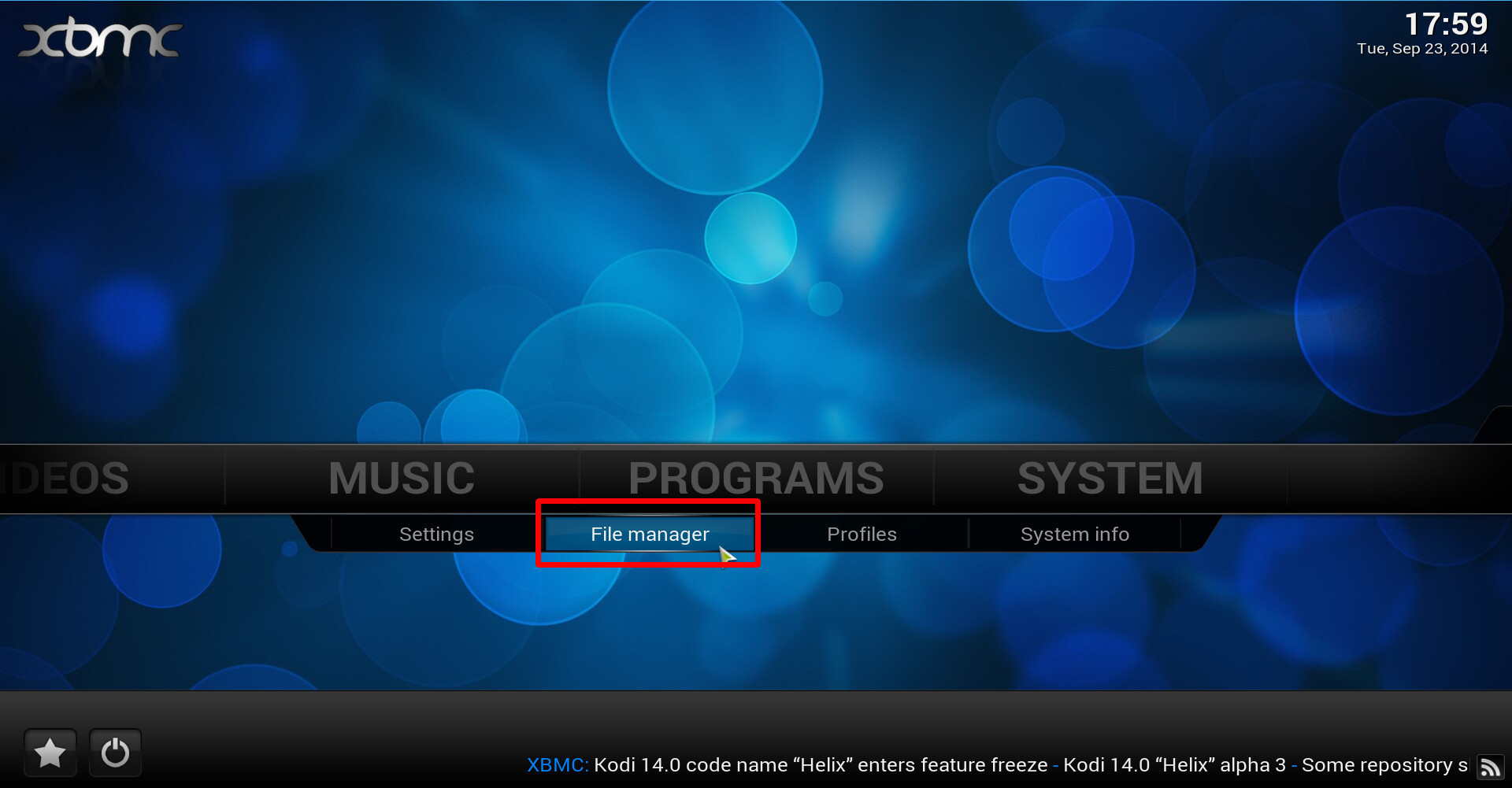
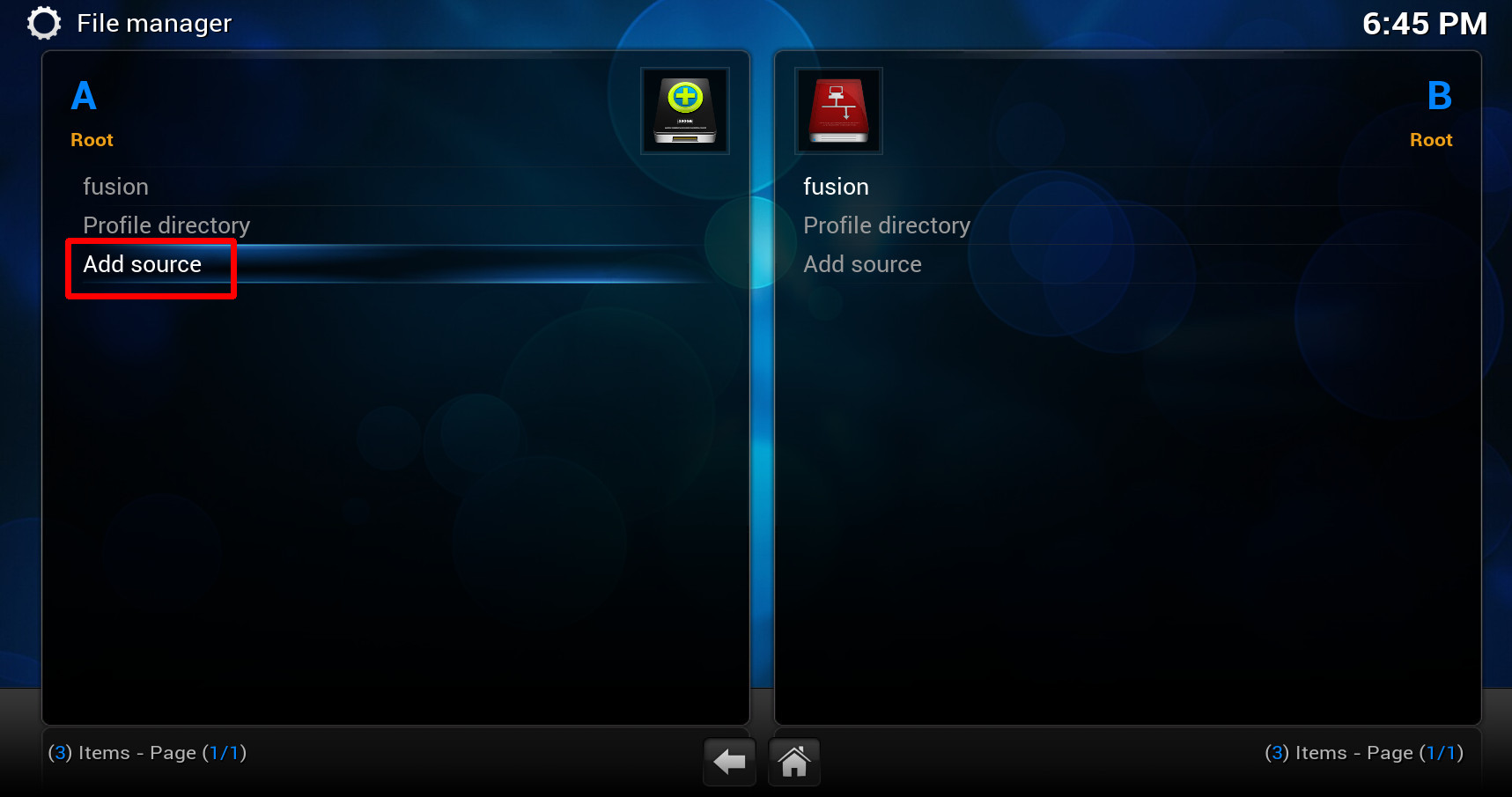
1. To install Futbol by adding its repository source inside Kodi, start by navigating into System >> File manager, select Add source from the left side of the screen (on PCs you may need to double click it).
2. Click on the text box that says <None> and type (using the on-screen keyboard) “http://xfinity.xunitytalk.com” then click on Done to the side of the keyboard.

3. On the lower text-box where it says “Enter a name for this media Source.” choose a name that you will easily recognize / remember and enter it the same way you did on the previous step [I use xfinity for its name], click OK.

4. Go back to the main menu and navigate into System >> Settings >> Add-ons >> Install from zip file, choose the folder you’ve just created, e.g. mine is xfinity, then click on XunityTalk_Repository.zip to install.


5. Once the repository is installed, go inside (System >> Settings >> Add-ons >>) Get Add-ons >> .XunityTalk Repository >> Video Add-ons and enable Futbol by selecting it then select Install.
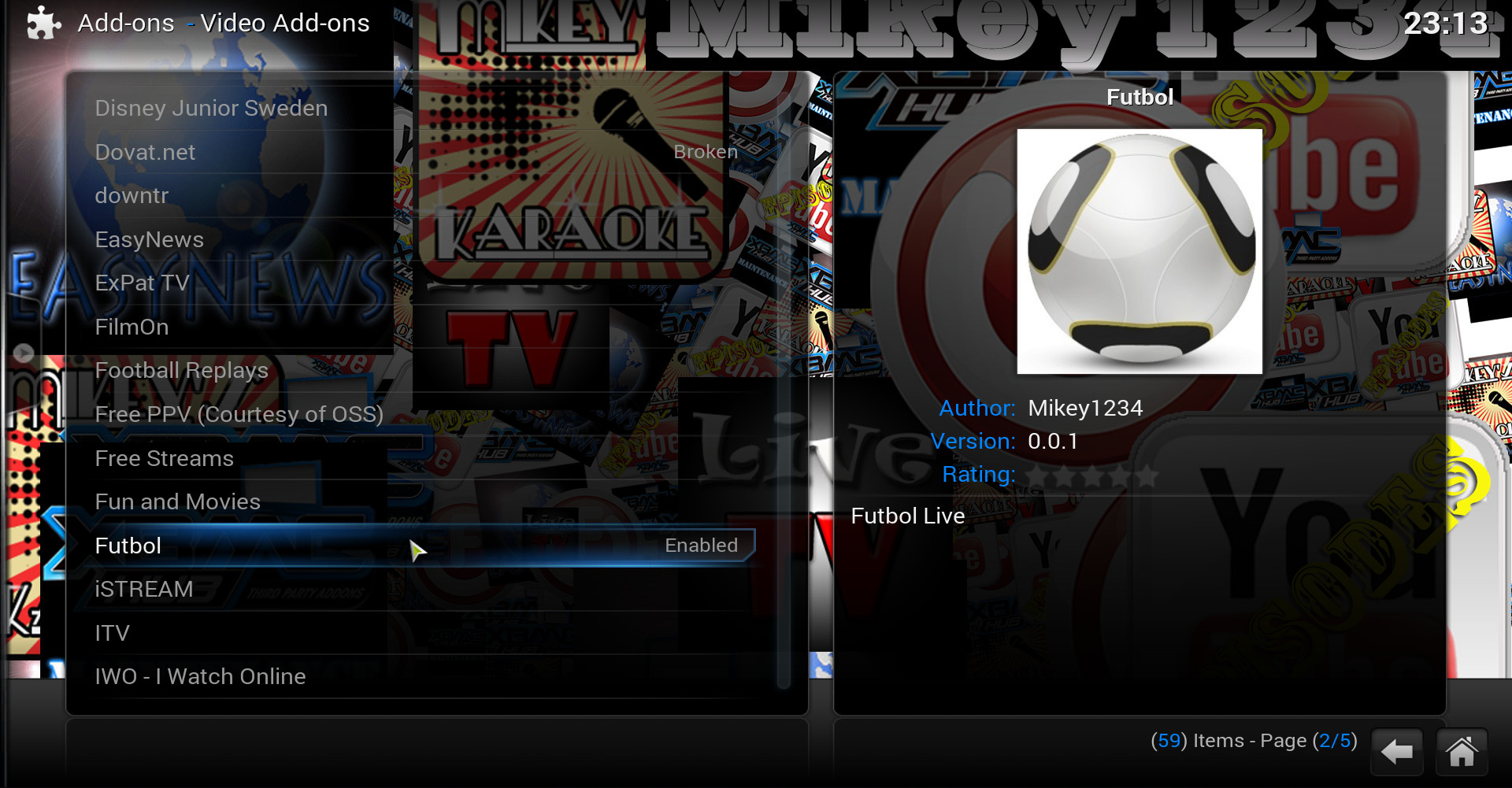
That’s it, to start using the addon you will have to restart Kodi, then go into VIDEOS >> Video Add-ons, there you’ll find it waiting for you to explore its features…