Step #3
Stay inside System >> Settings >> Add-ons and go to Get Add-ons >> Pulsar Unofficial Repo Mirror >> Programs Add-ons and enable the providers you wish to use.

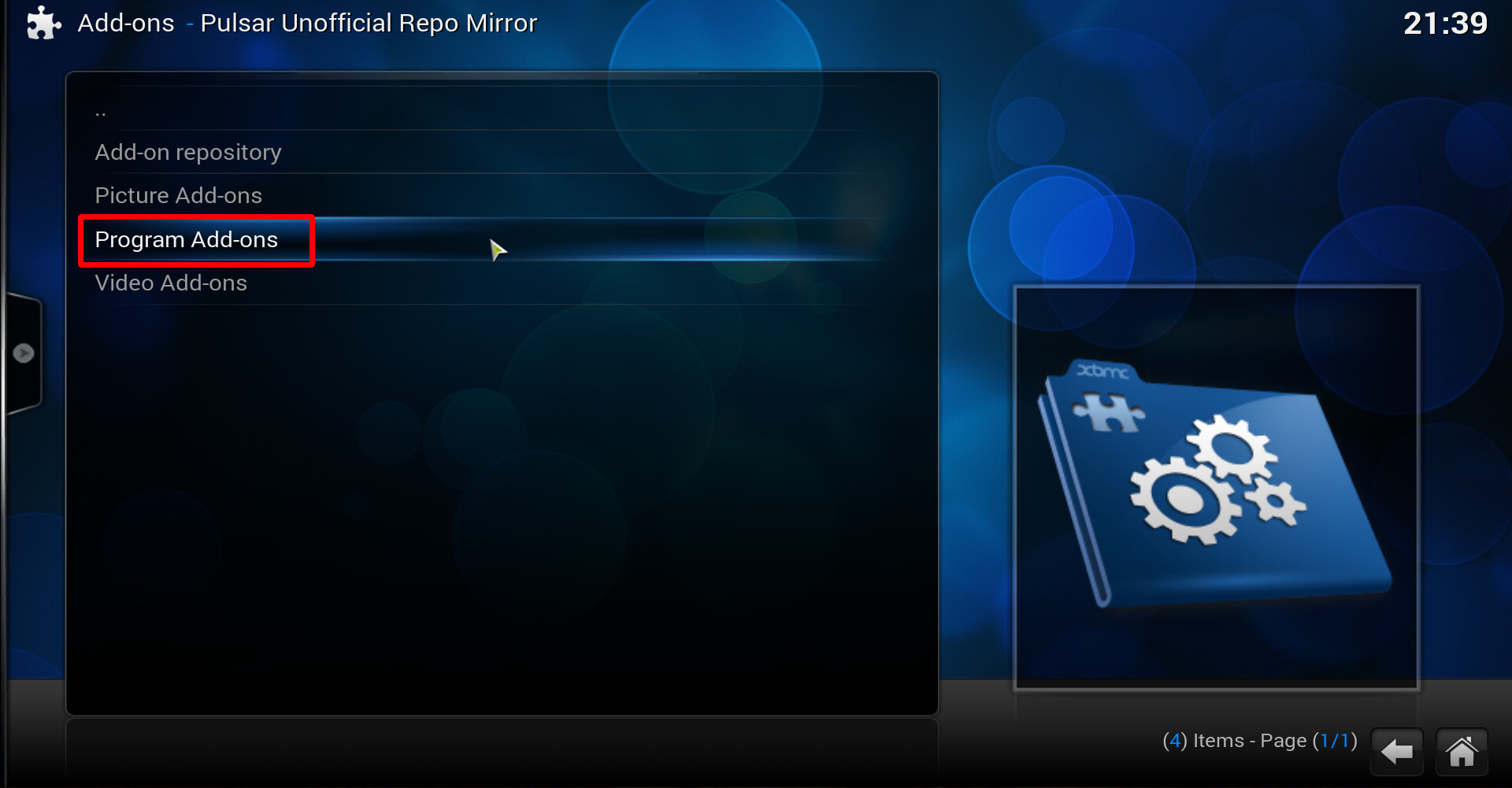
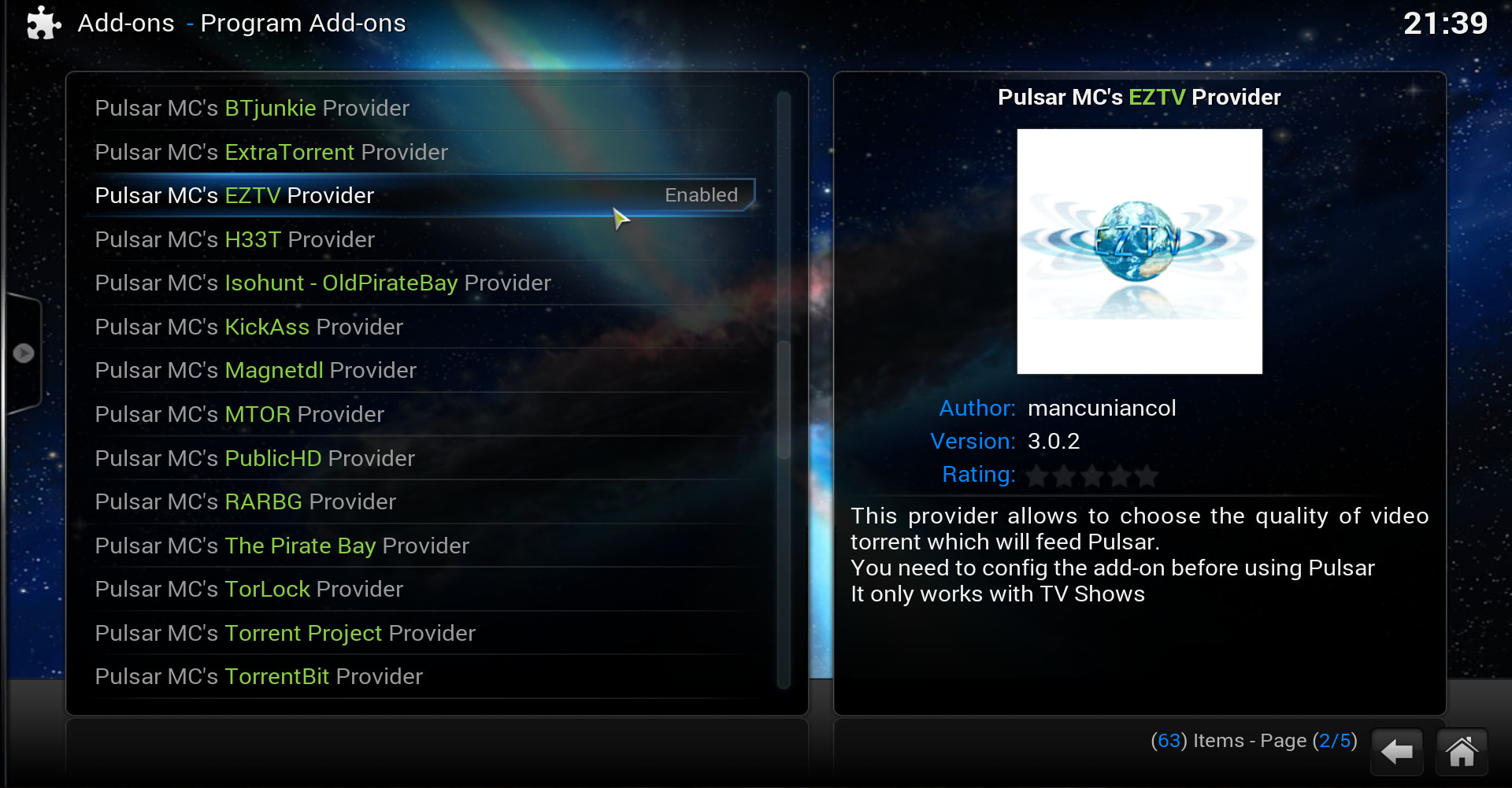
* in case you see nothing inside the repository, you may need to either wait / refresh / restart Kodi for it to fill up.
** if you’re unsure which providers to enable, simply test them by trial and error.
Tip: if you enable YIFY / yts provider, make sure its connected to the right source as suggested in Quick Fix: Unable to connect to YIFY Torrents, ensure this by right clicking the provider and check its settings.
Basically, that’s it! You may now return to the home screen and from there simply navigate to VIDEOS >> Video Add-ons, there you’ll see Pulsar ready for you to explore.