II. Install A Repository From Within Kodi
To install Pro Sport solely through Kodi’s interface, we will use SuperRepo repository.
If you haven’t got SR installed yet, here’s how you get SuperRepo.
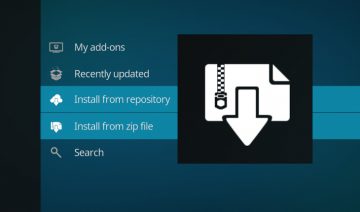
1. Once you have SR, simply navigate into SYSTEM >> Add-ons >> Install from repository.
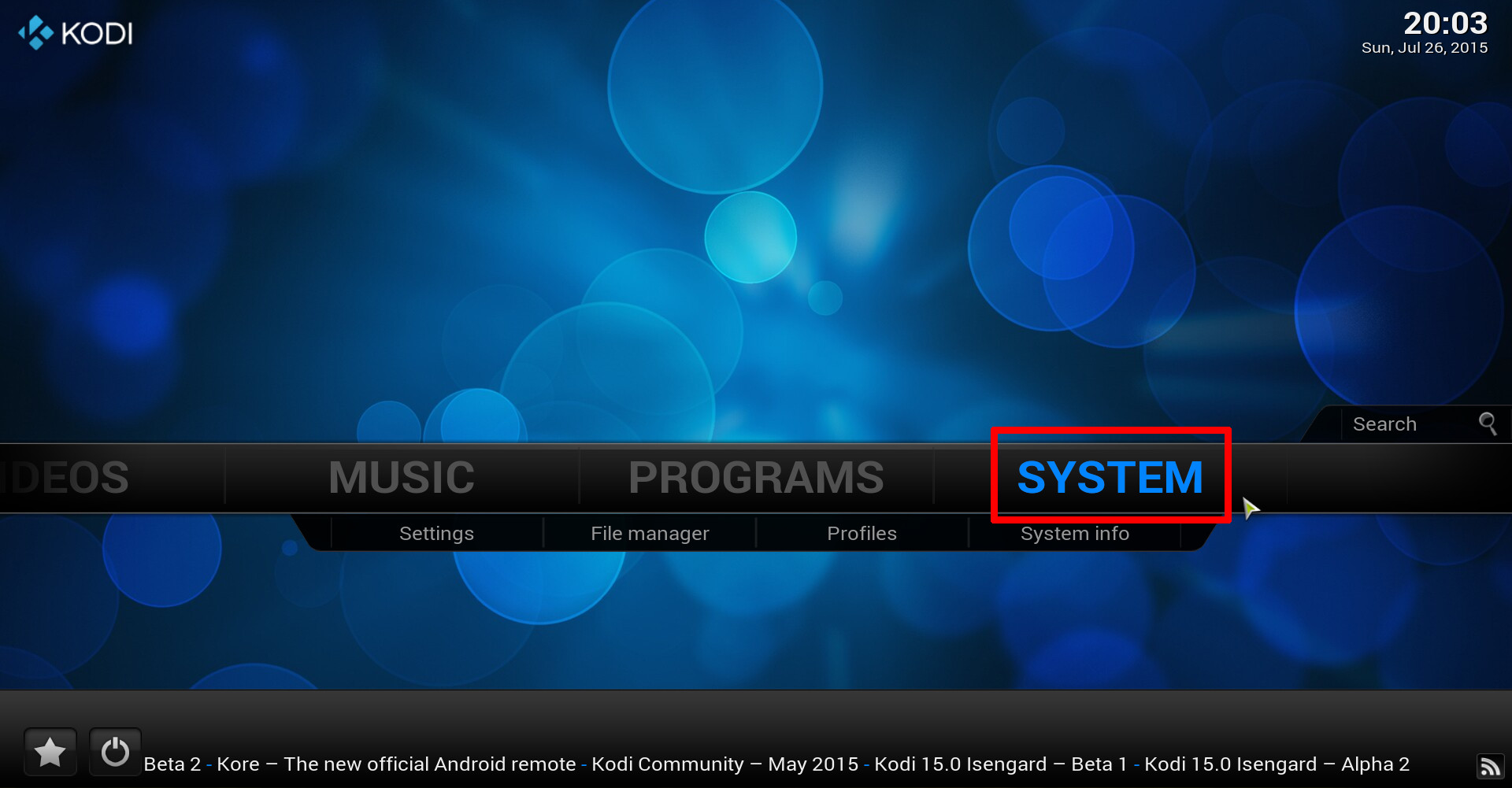
Enter Kodi’s system settings
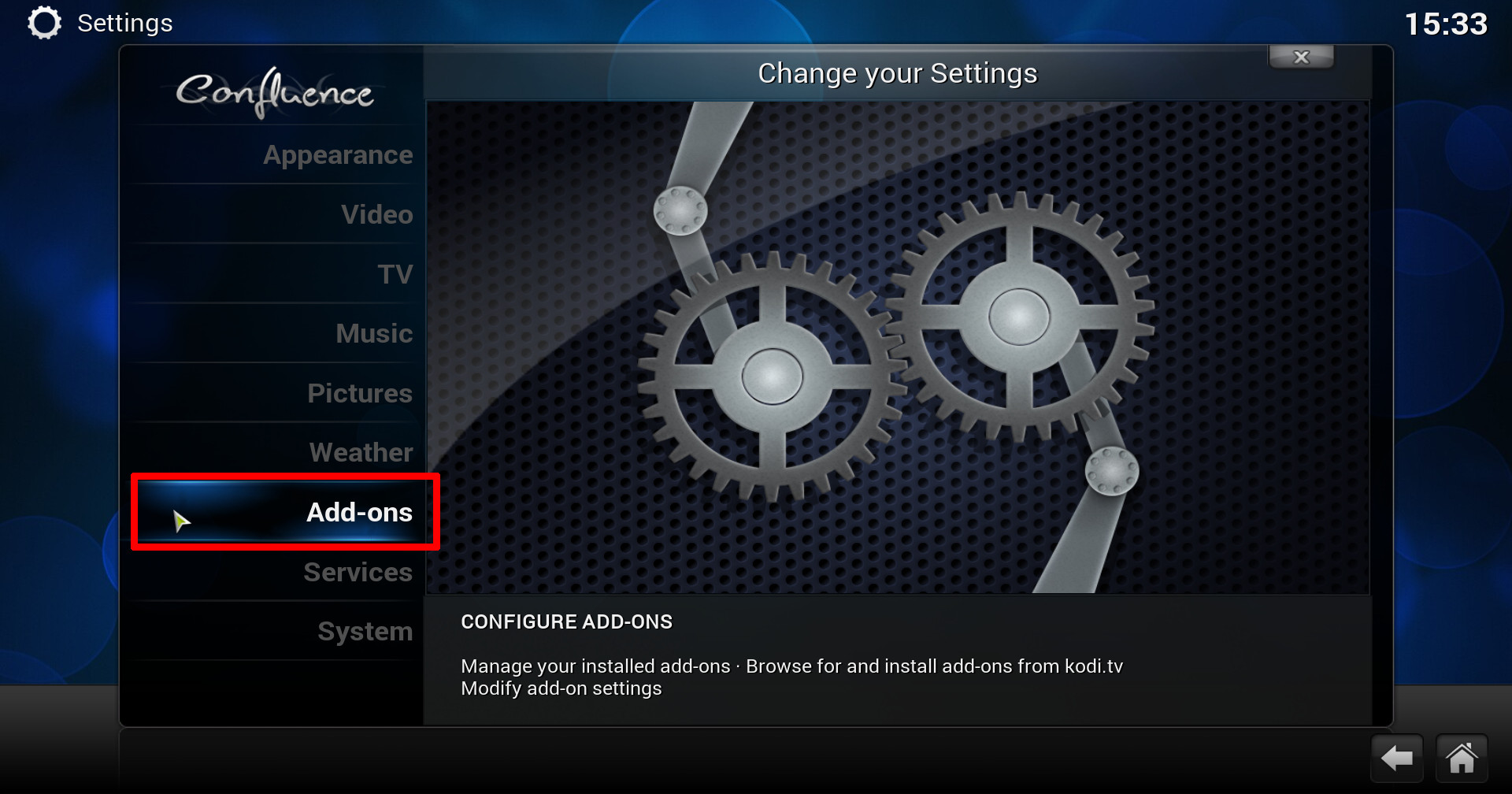
Enter kodi’s addons settings

Kodi install from repository
2. Open SuperRepo All [YOUR-VERSION] >> Add-on repository >> install podgod repo from there.

SuperRepo repository listed inside “Install from repository”.

Install from SuperRepo addon repository

Install podgod repo from SuperRepo.
3. Lastly, return to Install from repository screen (see step 1) and go into podgod repo >> Video add-ons >> install Pro Sport.


Enter video addons

Pro Sport addon enabled
That’s it, the addon will be inside VIDEOS > Video Add-ons which you can navigate into via the home screen.
Enjoy :)